Personal Local
Keep documents and memory on the device.
Use Norfolk as a local Human Memory workspace when the priority is private capture, local search, and no hosted dependency.
Norfolk is the Human Memory surface for text, links, images, audio, PDFs, and documents. Material dropped into the Inbox becomes atoms; questions return short answers with evidence.
Like a cassette tape once treasured and then misplaced, Norfolk turns buried material back into memory that can be played again.
Norfolk captures sources, answers with evidence, and turns selected atoms into Documents. In Nunchi Memory Cloud, this Human Memory shares the workspace with Nexus(Agent Memory).
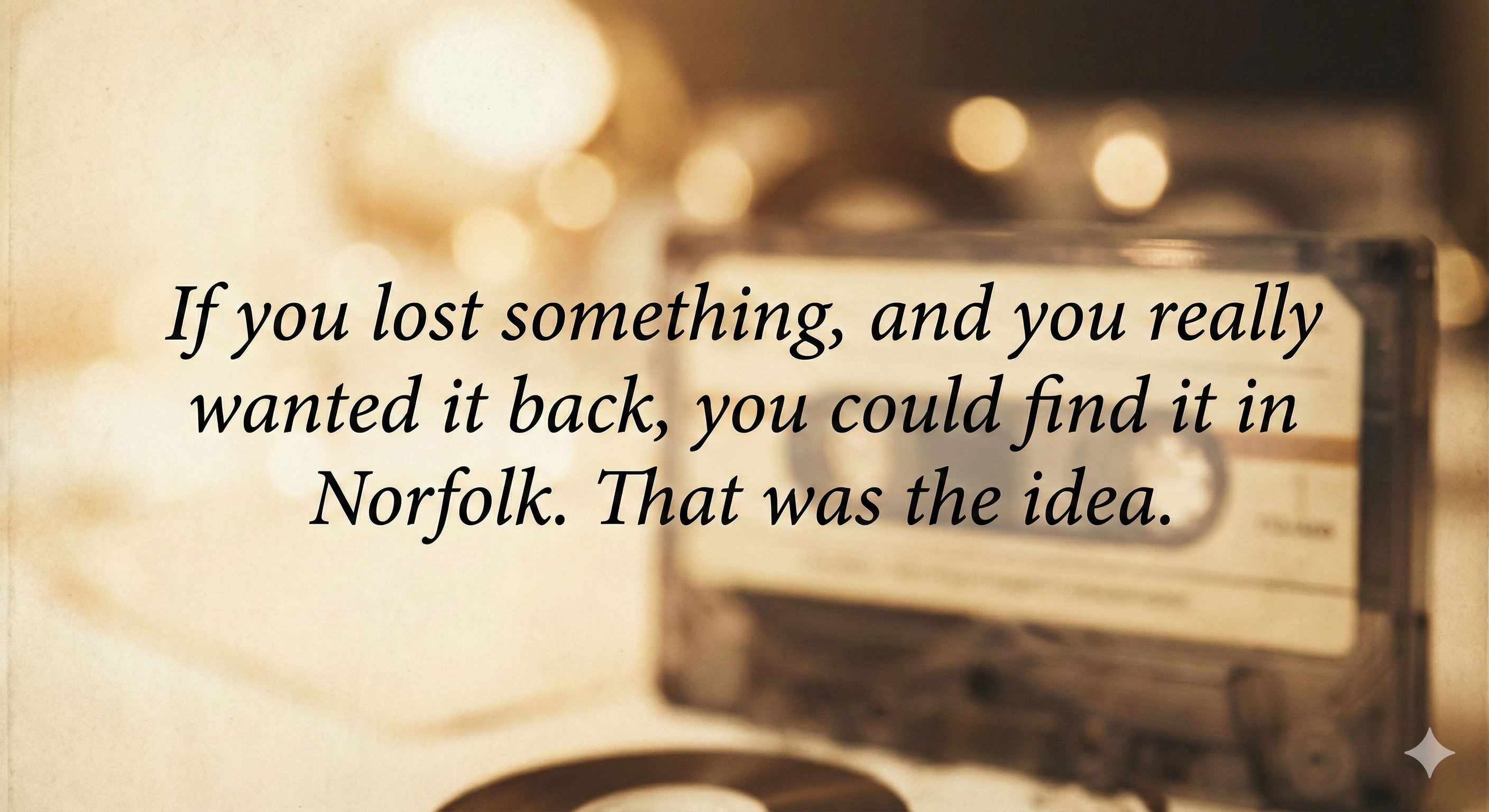
Norfolk gathered the answer and evidence, then created a document instead of leaving you with a blank page.
Norfolk should not feel cloud-only. A personal local workspace can keep the Human Memory engine, database, and files on one machine; cloud plans add sync, team quota, and shared handoff.
Personal Local
Use Norfolk as a local Human Memory workspace when the priority is private capture, local search, and no hosted dependency.
Personal Cloud
Use hosted Norfolk when the same notes, documents, and evidence need to follow a person across devices.
Nunchi Memory Cloud
Use Nunchi Memory Team when Norfolk and Nexus need to share workspace context while keeping human notes and agent memory as separate layers.
Human Memory
Capture
Keep txt, images, PDFs, links, and quick notes in the same place.
Ask
Ask a question and Norfolk retrieves the relevant material with the answer.
Evidence
Review the sources used by the answer and select only what should go into the document.
Documents
Turn selected evidence into a meeting prep note, research brief, decision memo, or document pack.
Norfolk captures sources, answers with evidence, and turns selected atoms into Documents. In Nunchi Memory Cloud, this Human Memory shares the workspace with Nexus(Agent Memory).
Drop notes, files, photos, PDFs, and links into one place.
Related notes are grouped automatically without manual categories or tags.
Norfolk retrieves supporting evidence and answers directly.
Turn selected evidence into a document or document pack.
Capture quickly, ask with evidence, and continue from a draft you can refine.